A complete list of what Tappium does for you — and what it deliberately doesn’t do.
The heart of Tappium
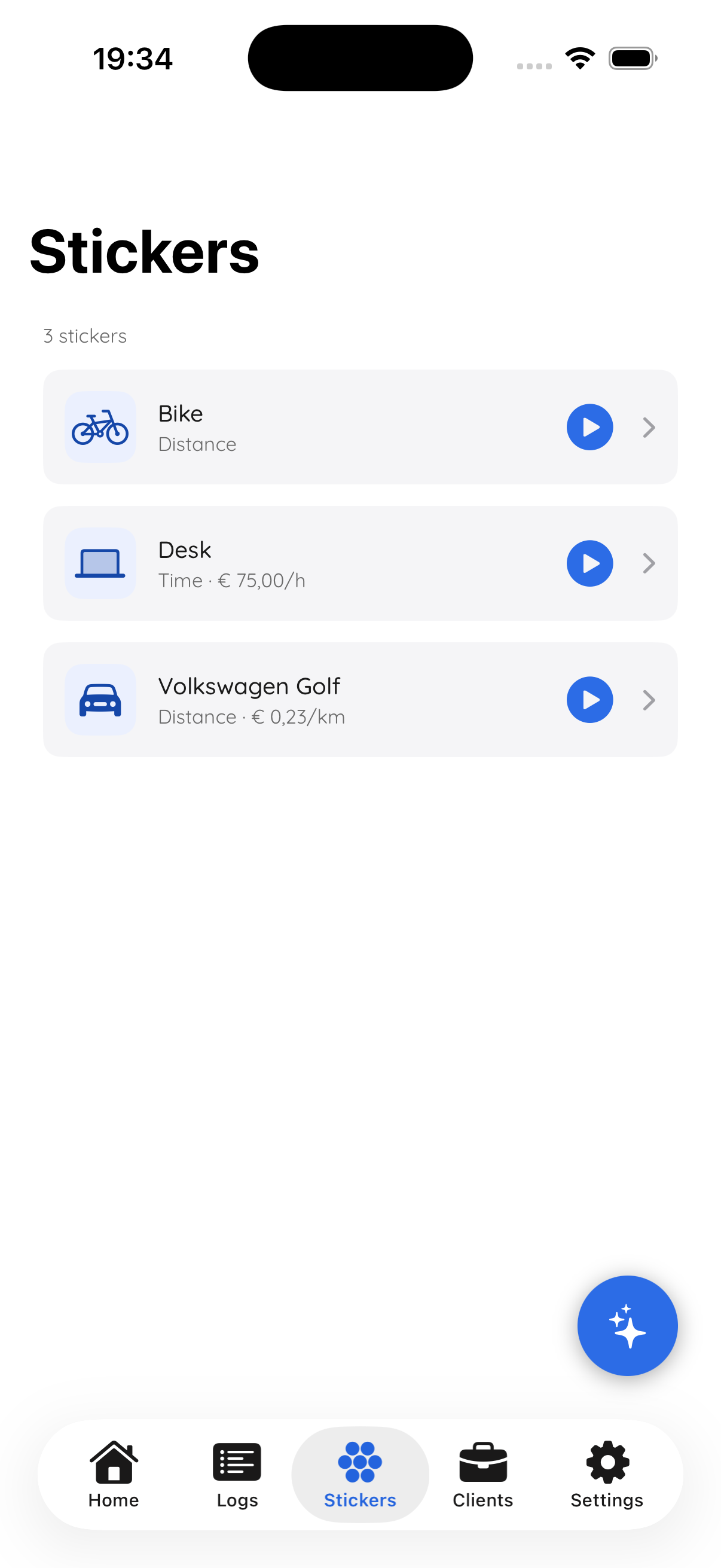
Tappium uses standard NFC tags — the same technology as contactless payment. Stick them wherever you need them: on your dashboard, on your handlebars, on your desk.
You set up each tag once. Give it a name ("Volkswagen Golf"), choose what you want to track (mileage, hours, or both), and you’re done.
One tap starts tracking. Another tap stops it. That simple.
For the road
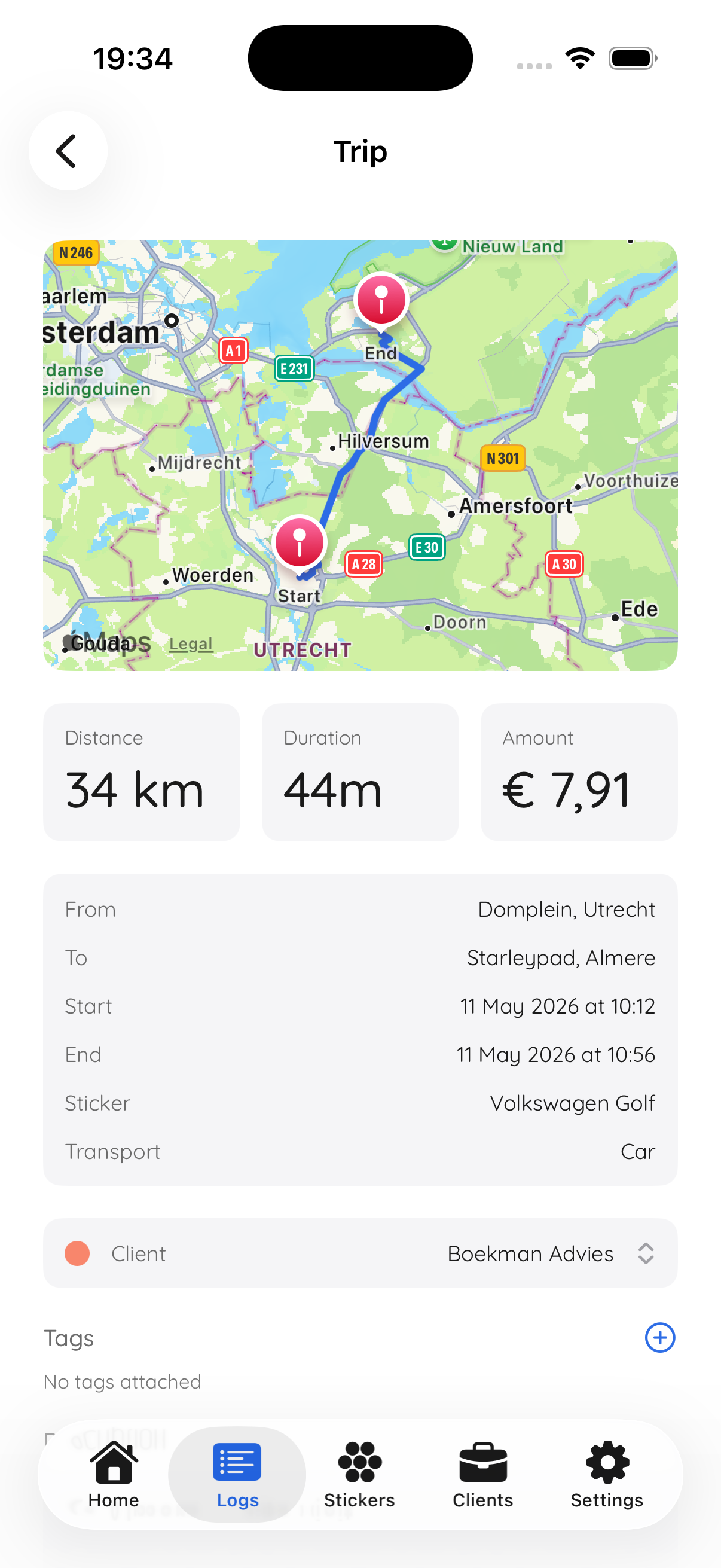
As soon as you tap, Tappium starts logging your route via GPS. Address-to-address, with the actual kilometres you drove — not a Google Maps estimate.
At the end, your trip looks the way it should: departure, arrival, route on the map, kilometres, date, time, and the amount based on your rate.
Stopped for lunch? No problem. Tappium recognises you’re still on the way.
For the office (and everything in between)
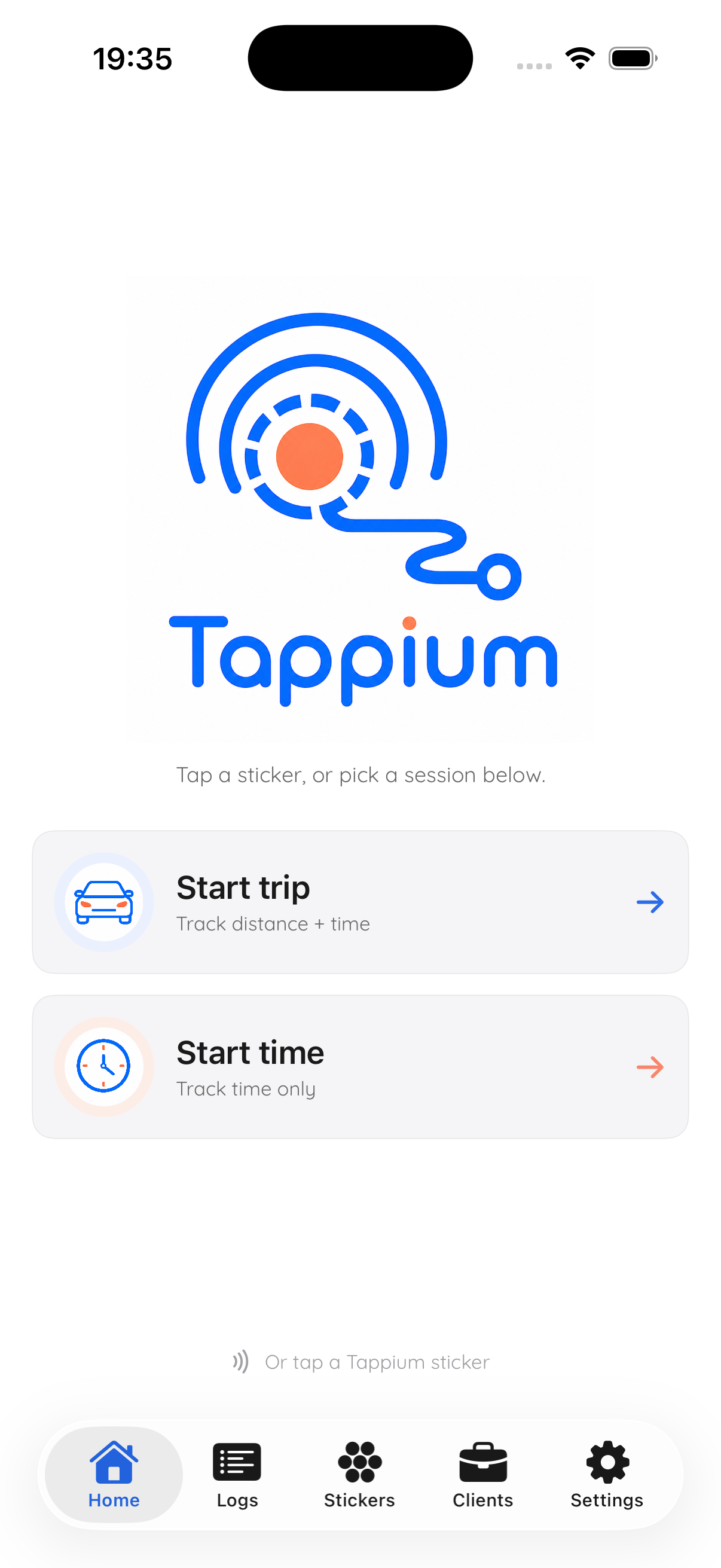
Tap your tag when you start working. Tappium counts the hours, without you having to dig through your phone for a button.
Stop with a tap on the same tag, or via the app. If you really forget: after 8 hours Tappium sends a check-in notification so you can close it. No more weird 14-hour sessions in your timesheet.
Unlike trips, hours are never tied to a location. Time is time.
Per project, per client
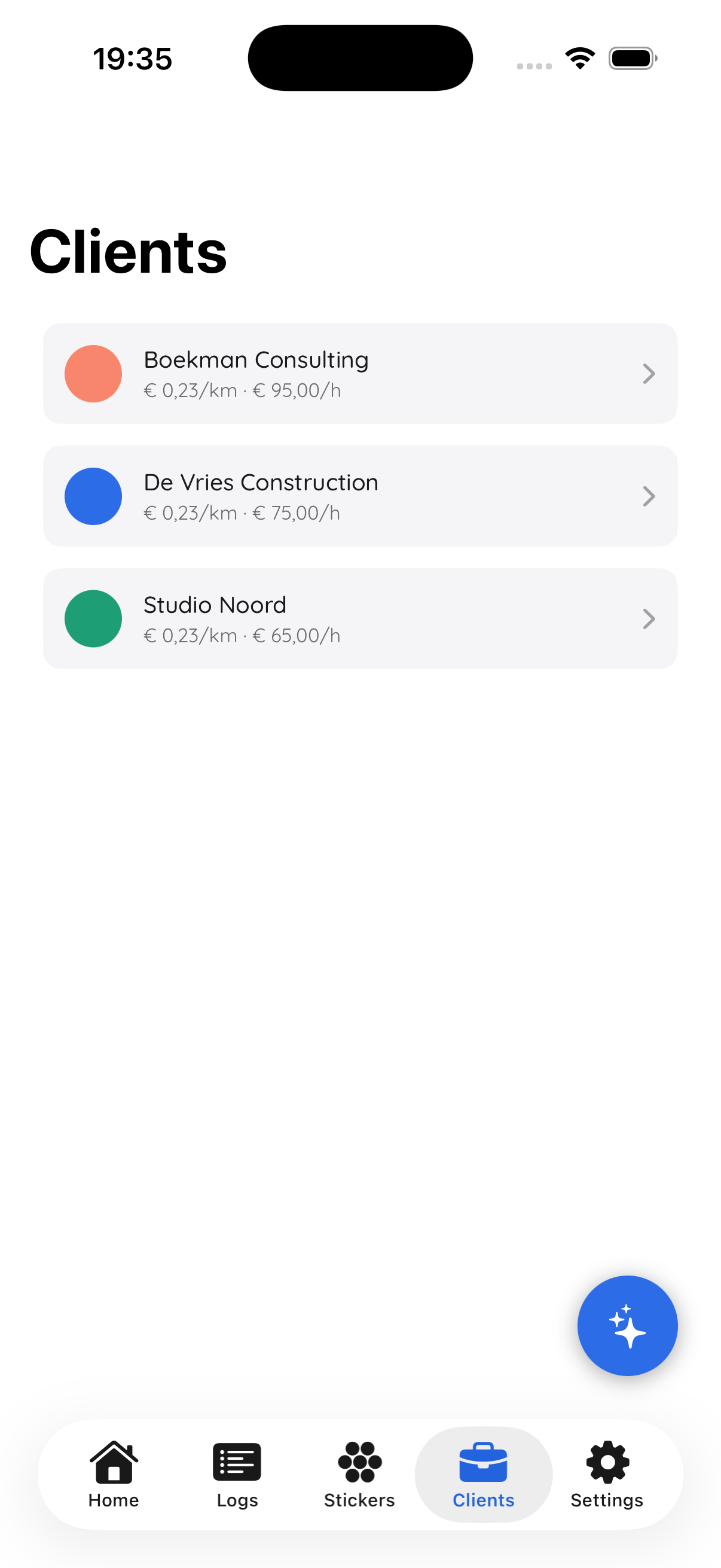
Link tags to clients. Or add tags ("#meeting", "#site-visit") to your trips and hours. Filter on them later.
Your monthly overview shows exactly what you drove and worked per client — ready to copy straight into your invoice.
At the end of the month
Pick a period, pick a format, done. PDF for your employer or your bookkeeper. CSV for Excel or Moneybird.
Subtotals per client. Grand total at the bottom. Tappium logo in the header (or hidden, if you prefer).
Monthly overview
May 2026
Privacy by design
In the free version, all your data stays locally on your phone. No cloud, no sync, no Tappium server that sees your data.
Pro users get cloud sync — encrypted in transit, stored on Hetzner servers in the EU. We never sell your data, to anyone.
On purpose
Start free. No credit card. Fourteen days of Pro on us.